
Accessibility in Mobile Games: The Features That Welcome Everyone
Accessibility features widen your audience, improve reviews, and mostly cost little when planned early. The practical checklist for mobile games.
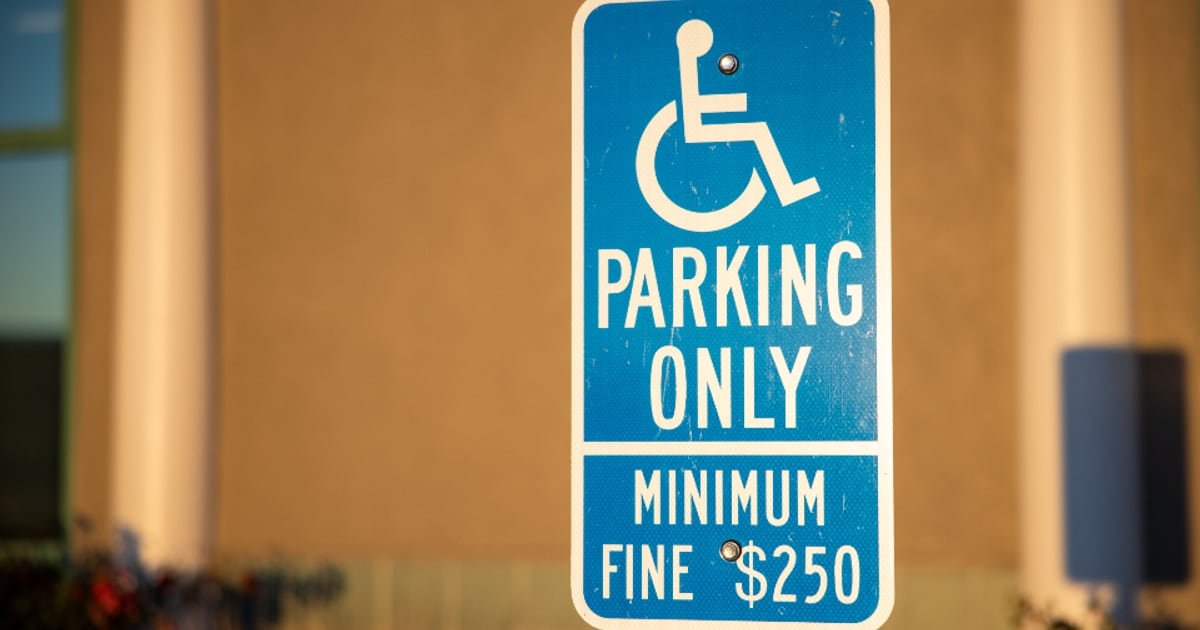
Roughly one player in ten experiences your game differently than you do: color blindness, low vision, motor difficulties, hearing loss, sensitivity to motion. Accessibility is the craft of making sure your game still works for them, and it is one of the highest-return, lowest-drama investments a game owner can make. Bonus: most of it is cheap, if you plan it early.
The business case in one paragraph
Accessibility features widen the funnel at every stage. More players can enjoy the game, fewer refund or uninstall in frustration, reviews skew kinder, and communities notice and reward games that bother. Several accessibility options are also just good options everyone uses: subtitles, bigger text, and one-hand modes are beloved by fully able players on commutes and couches. This is not charity spending. It is audience spending.
The high-value checklist
- Color-blind friendly design. Never let color alone carry meaning. Pair red and green states with shapes, icons, or patterns. Nearly free when the art team knows from day one.
- Readable text. Small fonts on small screens exclude enormous numbers of people. Generous defaults and a text size option are basic hospitality.
- Sound with subtitles and cues. Every voice line and meaningful sound should have a visual twin. Phones are played muted half the time anyway, so this doubles as a mainstream feature.
- Forgiving touch. Generous tap targets, an option to reduce timing pressure, and no mechanics that demand rapid repeated taps without alternatives.
- One-hand friendliness where the genre allows, since many players hold a pole, a coffee, or a child with the other hand.
- Reduced motion and flash options. Heavy screen shake and flashing effects genuinely hurt some players. A toggle costs little.
- Difficulty options without shame. Assist modes, skip options after repeated failures, practice modes. Let people enjoy the game at their own pace without lectures.
The cost truth
Planned from the start, most of this rounds to a few percent of budget, mostly in design discipline rather than engineering hours. Retrofitted after launch, the same features cost multiples more, recoloring finished art and untangling hardcoded text is genuine drudgery. This is why the topic belongs in your design document, not your someday list.
What to ask your studio
One question does most of the work: what accessibility features are included by default in your builds? Studios that answer with specifics have done this before. If the answer is a blank pause, hand them the checklist above and ask what each item would cost. You will usually be pleasantly surprised, and your reviews will quietly thank you for years.
Got a game idea? We build it.
You bring the concept. We design, build, test and launch it, and you own 100% of the finished game.
Share Your Game Idea →Keep reading
 Design
Procedural Level Generation on a Solo Schedule
Procedural generation promises infinite content, but a solo dev needs a version that ships. Here is how to scope it, bu…
 Design
Adding Accessibility Without Doubling the Work
Accessibility does not have to mean a second round of development. Five changes, built into the process from the start,…
 Design
How to Make a Prototype Look Polished With Minimal Art
A prototype does not need final art to look polished. Color, spacing, animation timing, and a few visual shortcuts can…