
Shader Basics for Devs Who Are Not Technical Artists
You can get most of the visual value of shaders without understanding the maths. Here is what they actually do, the five effects worth learning, and what costs you frames.
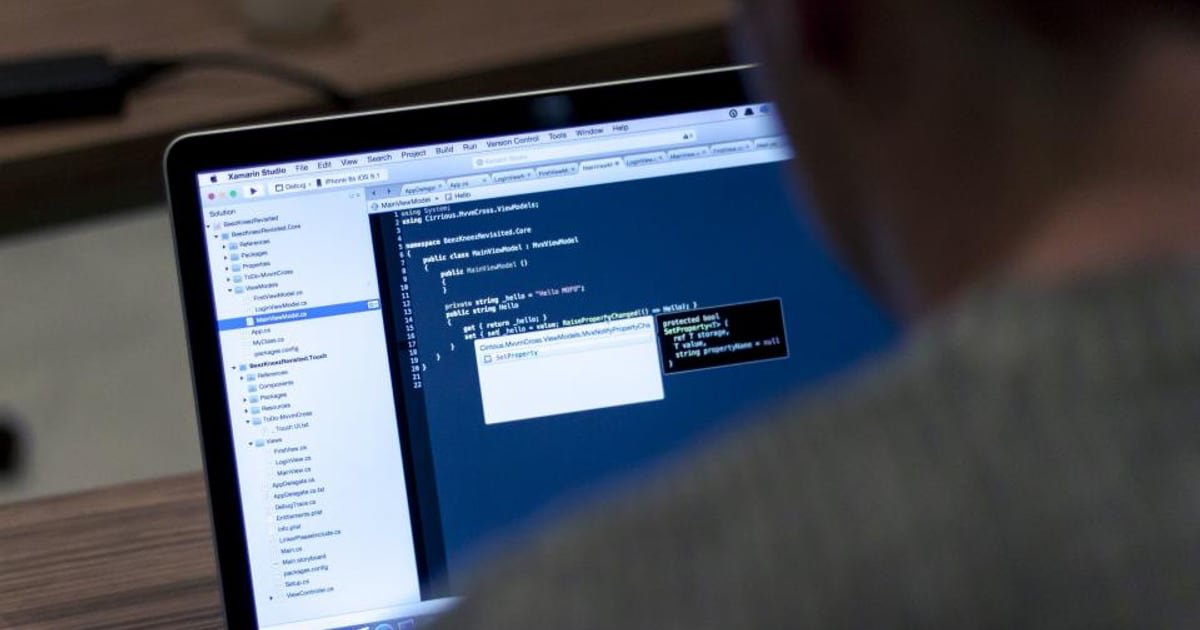
A shader is a small program that runs once per vertex and once per pixel, deciding where geometry appears and what colour each pixel becomes. Most game effects come from a handful of operations on that colour. A node-based editor lets you build them without writing code or understanding the underlying maths.
Why this matters
Shaders carry a large share of a game's visual identity, and on mobile they carry a large share of its performance cost too.
A developer who understands them at a basic level can add effects, diagnose why a scene is slow, and brief an artist properly. None of that requires being a technical artist.
The barrier is usually presentation rather than difficulty. Shader material is often taught mathematically when the practical version is more useful first.
What a shader is doing, without the maths
Two programs run for every object you draw.
The vertex stage runs once per corner of the geometry. It decides where that corner ends up on screen. Moving vertices here produces waving grass, bulging shapes, and cheap wind effects.
The fragment stage runs once per pixel covered by that geometry. It decides the final colour. Almost everything people mean by "a shader effect" happens here.
The mental model that gets you a long way: for every pixel, the shader answers one question, which is what colour should this be. Everything else is a way of computing that answer.
The fragment stage runs millions of times per frame on a phone. That is why a small extra cost per pixel becomes a large cost overall.
Shader Graph as a starting point
A node-based editor is the right entry point for a developer.
You connect nodes rather than writing code, you see the result immediately, and the underlying operations are named in plain language: multiply, add, sample a texture, use time.
Five nodes cover most of what you will do at first.
- Sample Texture. Read a colour from an image.
- Multiply. Darken, tint, or mask. The most used operation in any shader.
- Add. Brighten or overlay.
- Lerp. Blend between two things by an amount. This is how most transitions work.
- Time. Make anything animate.
Combining those five produces a surprising amount. A scrolling texture is a texture sample with time added to its coordinates. A tint is a multiply. A dissolve is a lerp driven by a noise texture.
Five effects worth learning first
Ordered by value relative to difficulty.
Colour tint and flash. Multiply the sampled colour by a value you control. This is the damage flash and the highlight state in most games, and it is the cheapest possible win.
Scrolling textures. Add time to the texture coordinates. Produces conveyor belts, flowing water, moving backgrounds, and energy beams.
Dissolve. Compare a noise texture against a threshold and discard pixels below it. Produces appear and disappear effects that look far more expensive than they are.
Outline. Render the object slightly larger in a solid colour behind itself. Useful for selection states and stylised art, and cheap on mobile if kept simple.
Vertex displacement. Move vertices with a sine wave over time for wind, bobbing, and wobble. Effective and nearly free, since the vertex stage runs far fewer times than the fragment stage.
Together these cover a large share of the effects a casual mobile game actually needs, and they pair with the general approach in Why Juice Sells.
Mobile shader cost, and what is expensive
This is the section that matters most for shipping.
| Operation | Relative cost on mobile |
|---|---|
| Multiply, add, lerp | Very cheap |
| One texture sample | Cheap |
| Several texture samples | Adds up quickly |
| Transparency and blending | Expensive, because of overdraw |
| Dynamic branching | Expensive on many mobile chips |
| Full-screen effects | Expensive, since every pixel pays |
Three rules keep mobile shaders affordable.
- Count texture samples. Each one costs memory bandwidth, which is the scarcest resource on a phone.
- Prefer opaque to transparent wherever the art allows. Transparency multiplies fill rate, which is the overdraw problem in Unity Mobile Performance.
- Move work to the vertex stage when you can. There are far fewer vertices than pixels.
Also watch shader variants. A shader with many keyword combinations compiles a large number of variants, all shipped, which affects build size and load time.
Debugging a shader that looks wrong
Shaders fail visually rather than with an error, which makes them feel harder to debug than they are.
A reliable order of operations.
- Output the value you suspect as a colour. Connect it directly to the output and look at it. This is the single most useful shader debugging technique.
- Check the coordinate space. Most confusing results come from using object space where world space was meant, or the reverse.
- Check the range. Values outside zero to one produce black or blown-out results.
- Test on a device. Mobile precision differs from desktop, and a shader correct in the editor can band or break on a phone.
- Simplify until it works, then add back one node at a time.
That first technique deserves emphasis. Piping an intermediate value straight to the output turns an invisible problem into a picture.
When to stop and hire someone
Know the boundary, because past it the time cost rises sharply.
Handle yourself: tints, flashes, scrolls, simple dissolves, basic vertex movement, and anything built from the five nodes above.
Bring in a technical artist for: custom lighting models, anything requiring a specific rendering pipeline change, complex stylised rendering that defines the game's look, and shader performance work on a title already in trouble.
The signal is straightforward. If you have spent two days on one effect, the remaining work is not the kind that gets faster with more of your time.
What we would do
Learn the five nodes and build the five effects once, in a scratch project, in an afternoon. That single session covers most of what a gameplay developer needs indefinitely.
Set a texture sample budget per shader early, and keep transparency deliberate rather than incidental. Both decisions are much cheaper to make at the start than to correct once the art is built.
Then use the output-as-colour trick whenever something looks wrong. It converts shader debugging from guesswork into looking at the thing.
The short version
- A shader decides where geometry goes and what colour each pixel becomes.
- The fragment stage runs per pixel, which is why small costs multiply on mobile.
- Five nodes cover most needs: sample, multiply, add, lerp, and time.
- Learn tint, scroll, dissolve, outline, and vertex displacement first.
- Texture samples and transparency are the main mobile costs; vertex work is cheap.
- Debug by outputting suspect values directly as colour, then simplify.
Spend one afternoon building the five effects in a scratch project. If a shader is costing you frames and you cannot find why, send us the build.
Related reading: Unity Mobile Performance, Game Art Style Budget Guide, and 2D or 3D Mobile Game Cost Comparison.
Got a game idea? We build it.
You bring the concept. We design, build, test and launch it, and you own 100% of the finished game.
Share Your Game Idea →Keep reading
 Process
How to Run a Playtest With Ten People and Learn Something Real
Ten testers will find nearly every problem in your game if you run the session properly. Here is how to recruit them, w…
 Process
Godot or Unity in 2026: An Honest Comparison for Mobile
Godot has become a genuine option for mobile, with one deciding factor that most comparisons skip. Here is the honest v…
 Process
A Weekly Build Review Agenda That Catches Problems Early
Unstructured build reviews drift into opinion and produce no decisions. This is the forty five minute agenda that turns…